AI Creative Platform for Image & Video Generation
Create AI images and videos from text, uploaded images, and creative references in one workspace. Compare Seedance, Sora, Veo, Nano Banana, GPT Image, and other leading models without switching tools.
Standard quality, faster generation speed
Ready to Create
Describe the image you want to create and we'll generate it for you
Made with AI video
35 AI video examples, prompts, and finished clips
Explore seven creative formats, watch the generated result, and study the complete prompt behind every scene before building your own version.
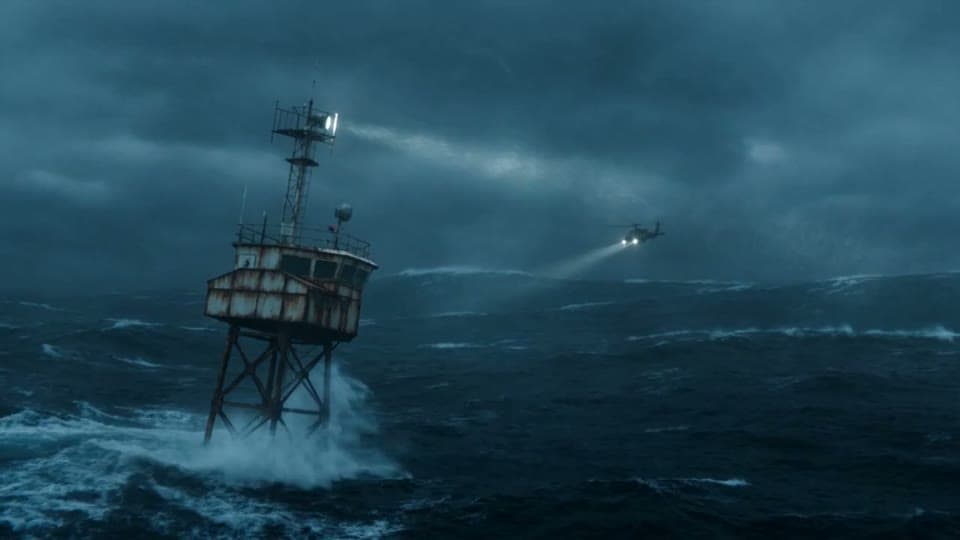
Storm Beacon Rescue
View full prompt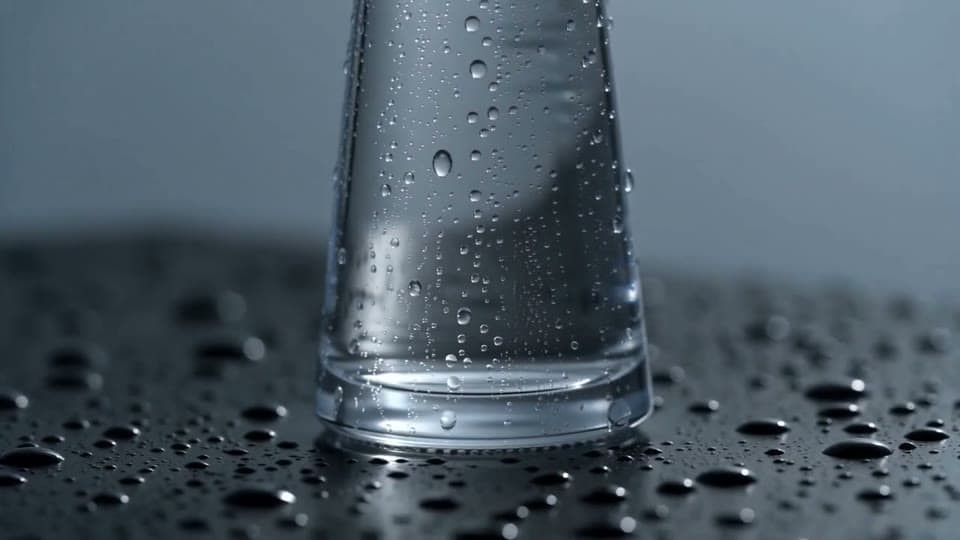
Fragrance After Rain
View full prompt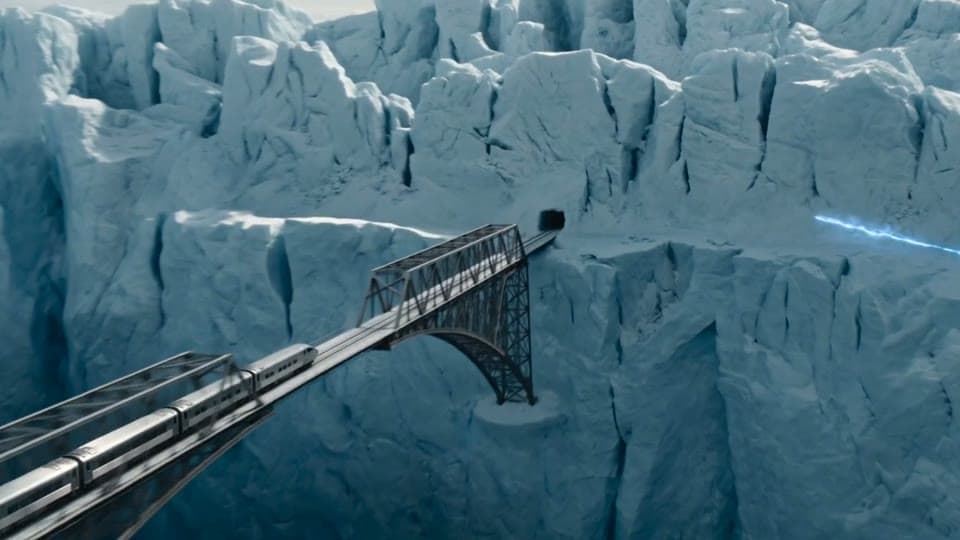
The Glacier Train
View full prompt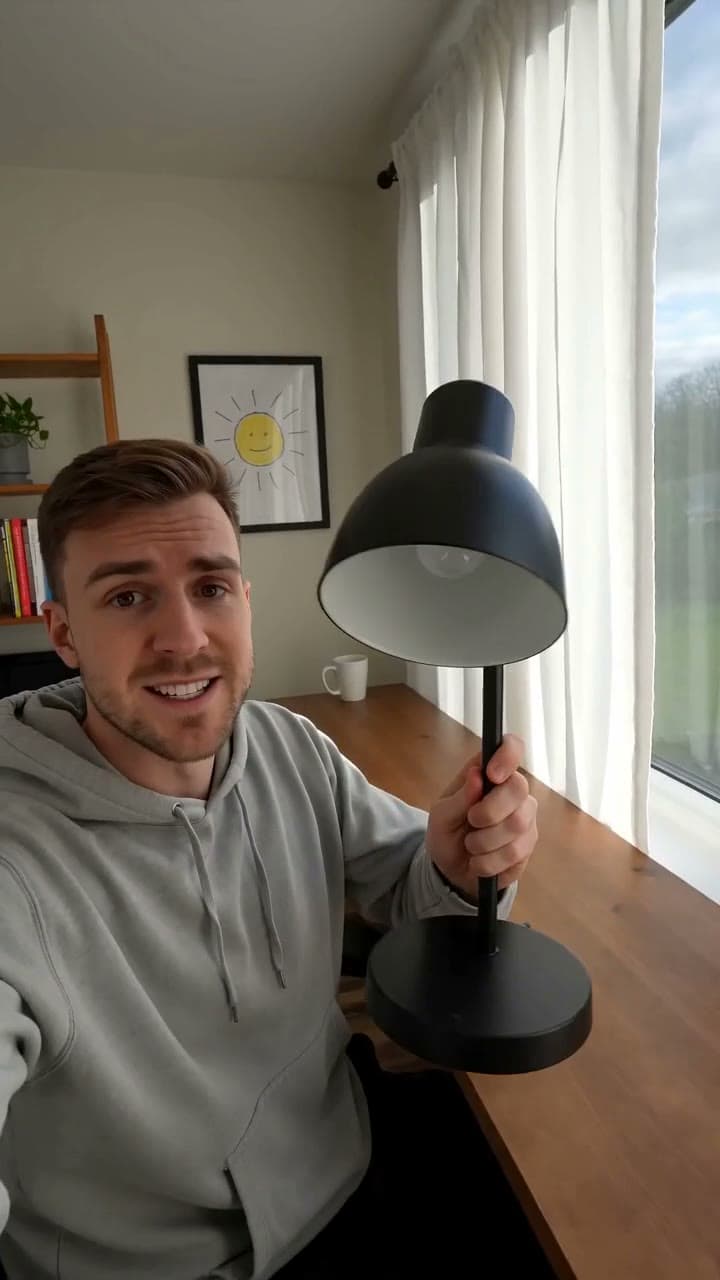
The Sun-Following Lamp
View full prompt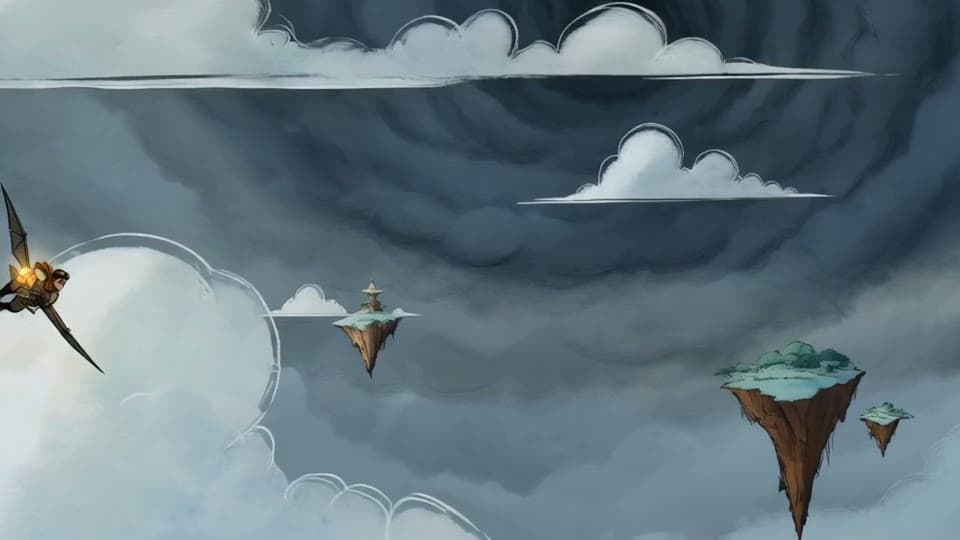
Sky Courier and the Storm Serpent
View full prompt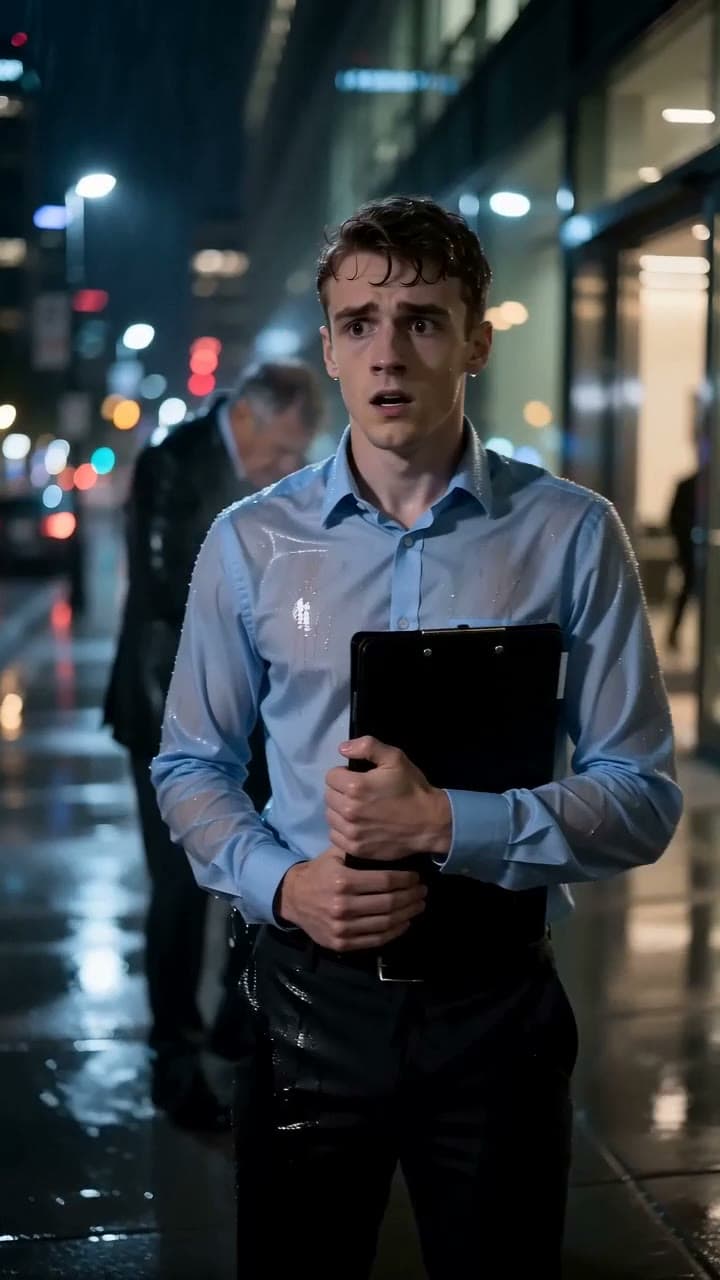
The Borrowed Coat
View full prompt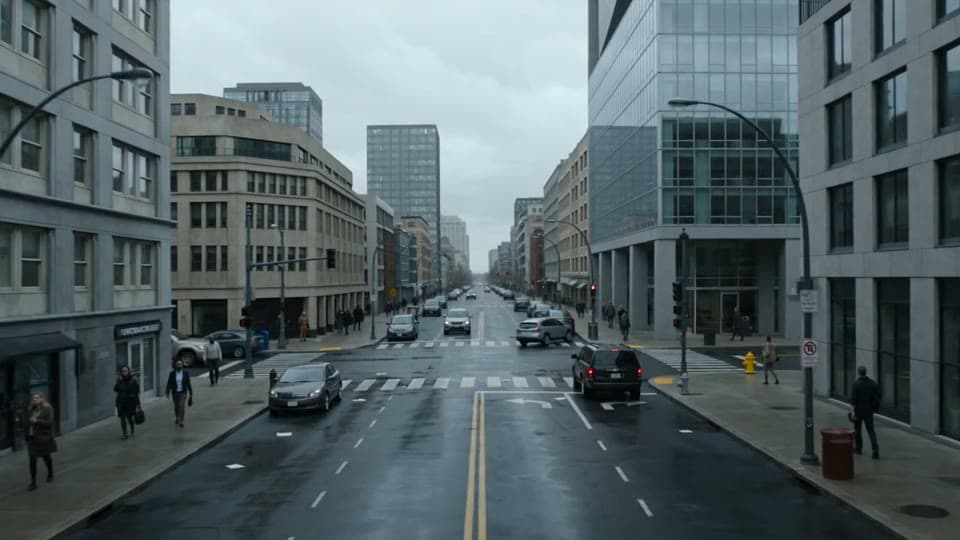
Gravity Folds the City
View full promptAI Image and Video Generation Workflows
Create from text, images, and creative references
Use text-to-image and image-to-image workflows for still visuals, then switch to text-to-video, image-to-video, or multi-reference generation for motion content.
AI Image and Video Generation Workflows
Use text-to-image and image-to-image workflows for still visuals, then switch to text-to-video, image-to-video, or multi-reference generation for motion content.

Multi-Reference Workflow
Guide video generation with multiple references
For more directed results, Omni Generator supports a richer video workflow where creators can combine visual and audio references in one place.
Multi-Reference Workflow
For more directed results, Omni Generator supports a richer video workflow where creators can combine visual and audio references in one place.
- Layer multiple reference sources into one generation request
- Use video examples to influence motion and camera feel
- Add audio cues to steer rhythm and atmosphere
- Keep controls for duration, ratio, and prompt tuning together
Multi-Reference Video Creation
A single workspace for combining image, video, and audio references before generating the final clip.

Assets Library
Manage generated results after creation
The product doesn't stop at generation. Users can browse, filter, preview, and download finished images and videos from a dedicated assets view.
Assets Library
The product doesn't stop at generation. Users can browse, filter, preview, and download finished images and videos from a dedicated assets view.
- Search past generations by prompt, provider, or model
- Filter assets by media type and completion status
- Preview videos and images in a stable browsing layout
- Download completed results through a protected first-party flow
Assets Management Workspace
A clean history view for browsing generated images and videos without losing the context of model, mode, prompt, and status.

Turn Your Next Idea into an Image or Video
Choose a leading AI model, set up your image or video workflow, and keep every finished result organized in one creative platform.
Platform Statistics
Omni Generator in Numbers
Join thousands of creators already using AI to bring their ideas to life
Videos Created
Images Generated
Happy Creators
Leading AI Image and Video Models in One Creative Platform
Multi-Model AI Creation
Choose the AI image generator or AI video generator that fits each project. Compare models from ByteDance, OpenAI, and Google inside one consistent creative workflow.
Seedance 2.0
ByteDance's advanced AI video generator with audio support and multi-reference inputs

Sora 2 by OpenAI
OpenAI's powerful AI video generator for high-quality text-to-video creation
GPT Image 2
OpenAI's latest AI image generator with high-quality visual creation and prompt understanding

Nano Banana Pro
Powered by Google Gemini, a high-quality AI image generator with fast text-to-image and image editing
Seedream 5.0 Lite
ByteDance's AI image generator with multi-output and high-resolution support

One AI Creative Platform, Multiple Leading Models
Move from AI image generation to AI video generation without rebuilding your workflow. Access Seedance, Sora, Veo, Nano Banana, GPT Image, and more in one workspace.
Pricing
Choose a monthly plan or one-time credit pack based on the image and video models, output settings, and production volume you need.
Frequently Asked Questions
Answers about models, credits, and generation workflows
Testimonials
See how creators use AI to generate images and videos
Stay Updated
Get AI Creation Tips
Subscribe for the latest AI content creation tips, new features, and exclusive offers